The Protocol
Five stages, from records to production-ready files. Every case lives in the client portal — status, annotated previews, tracked revisions, and the case record in one place. Turnaround is an estimate, never a guarantee.
- records_in
Records
Intraoral scans of the upper, lower, and bite. Photos — retracted, smile, full face. CBCT in DICOM for anything involving implants or a guide. Send the prescription and records as you have them — the case opens in the portal, inside the HIPAA-covered channel.
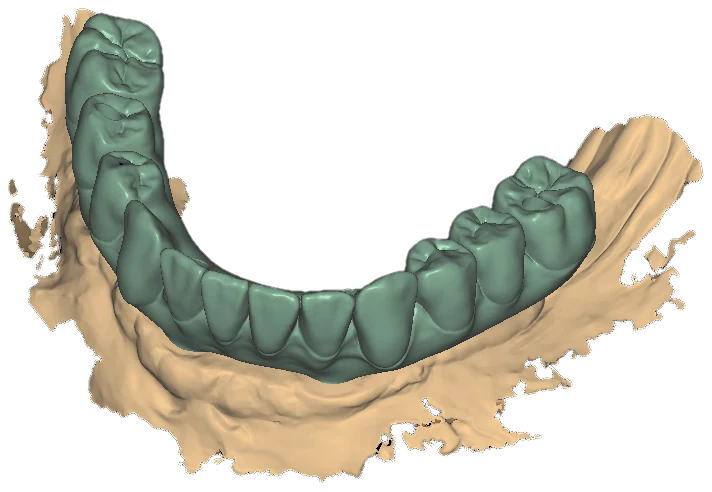
Crowns over a raw tissue scan · exocad - planning
Plan
Implant positions are checked against the restorative plan, not the other way around. Screw access is verified per site — occlusal and cingulum surfaces, not a facial wall. Restorative space is measured from platform to incisal edge.
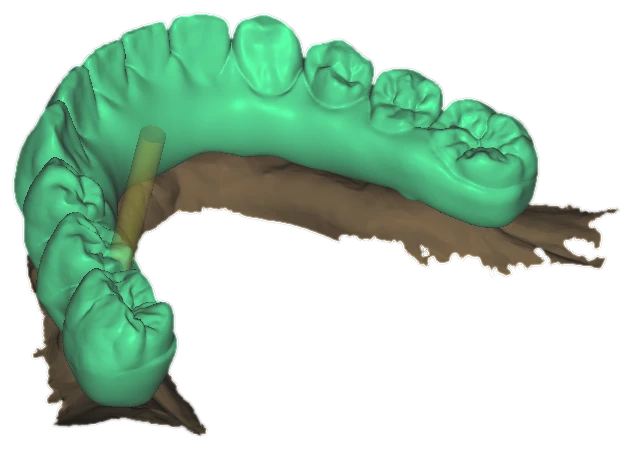
Arch on abutments · direction pin · exocad - in_design
Design
Full-arch CAD in exocad or 3Shape, to your preferences sheet: occlusal scheme, contact tightness, cement gap, emergence profiles shaped for a cleansable intaglio. Screw channels stay on the planned trajectory.
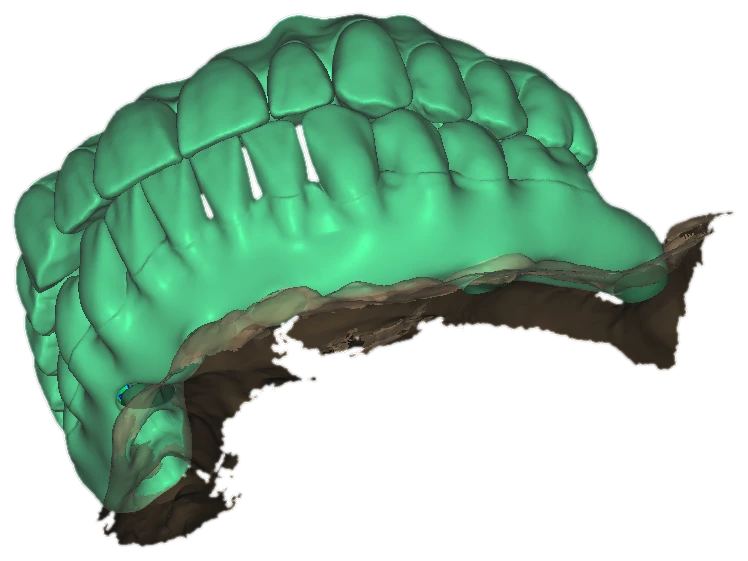
Upper prototype · three-quarter view · exocad - preview_ready
Preview
Annotated preview renders — occlusal, facial, intaglio — in the portal before anything goes to production. Mark corrections directly on them; revisions are tracked. Two included, within 7 days.
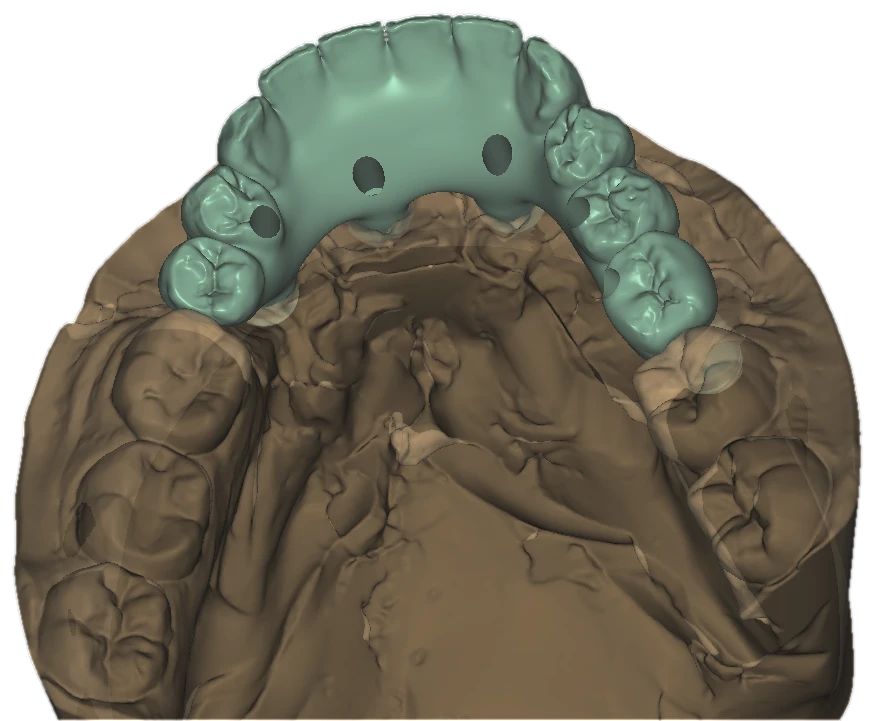
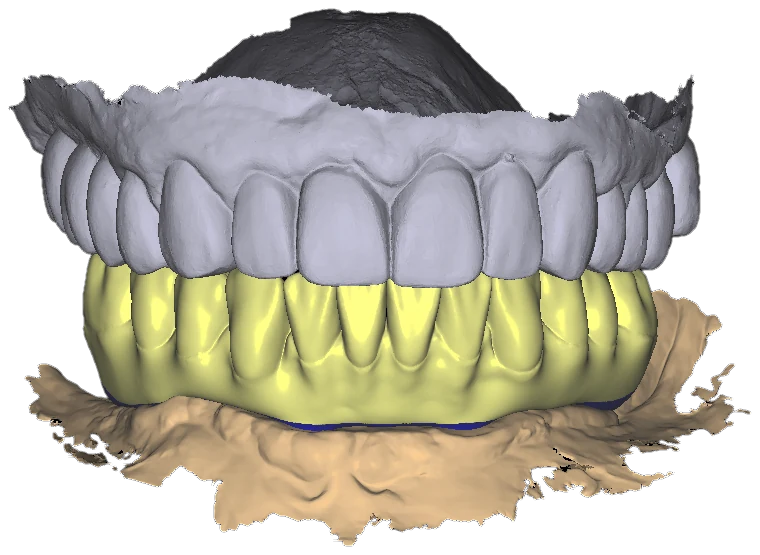
Frontal bridge on the scan · top view · exocad - delivered
Deliver
Production-ready STL plus the native design file, with the structured case record in the portal — so a remake starts from the design, not from scratch.
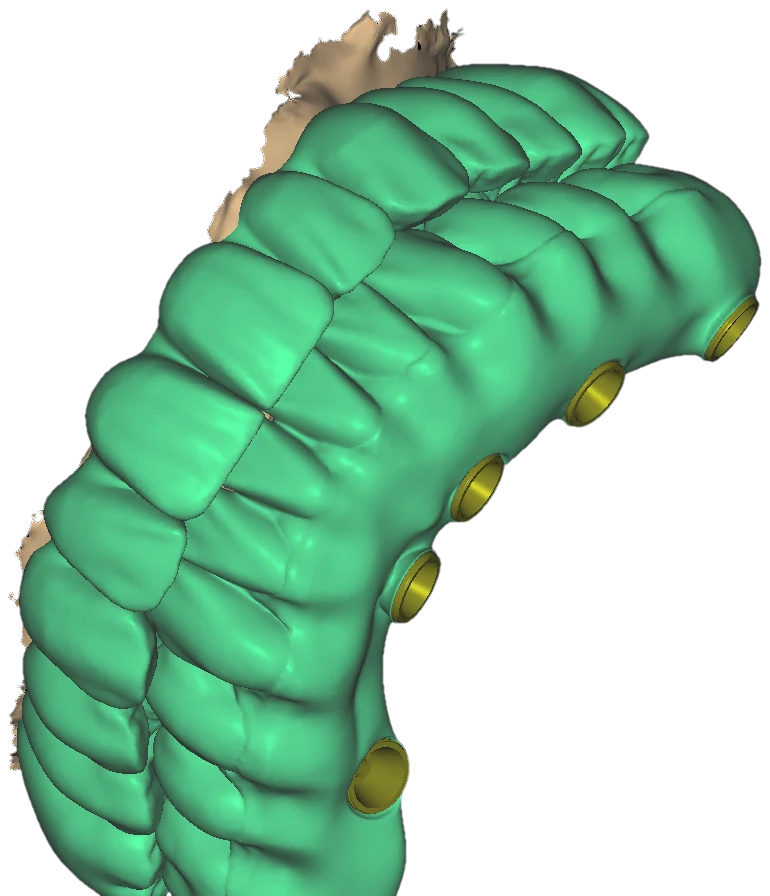
Basal side · ti-base rings, screw channels · exocad
Design Preferences Sheet
Every account gets a written preferences sheet — the values your cases are designed to, kept on file:
- Occlusal scheme and contact tightness
- Cement gap and spacer values
- Screw access position and angulation tolerance
- Emergence profile and tissue contour
- Intaglio surface finish
- Midline, incisal edge position, tooth mold preference
- Cantilever policy
- Material and shade defaults
- Preferred file output and library
We record these once, per account. After the first case you stop repeating yourself.
Revisions
Two revisions within 7 days. A revision changes the design we delivered. A new clinical situation is a new case.
Pricing and terms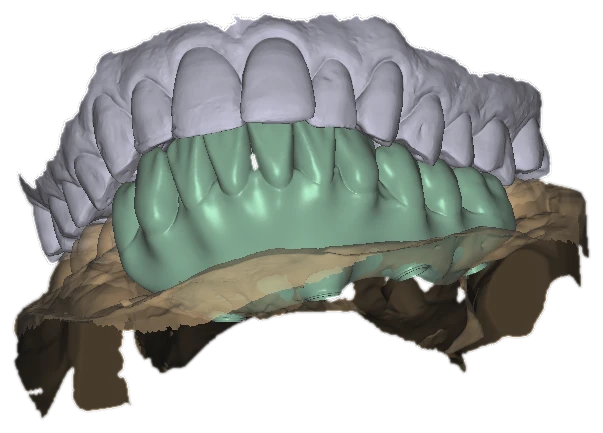
What You Get Back
Production-ready files plus a structured case record, in the portal:
- Case ID
- Inputs received
- Design parameters used
- Output files
- Revision history
The protocol starts when your records land. First case free.
Send a Case