01
Send the records
Scan plus whatever else the case depends on: antagonist, bite, photographs, implant positions. Send records as you have them; identifiers stay in the HIPAA-covered case channel.
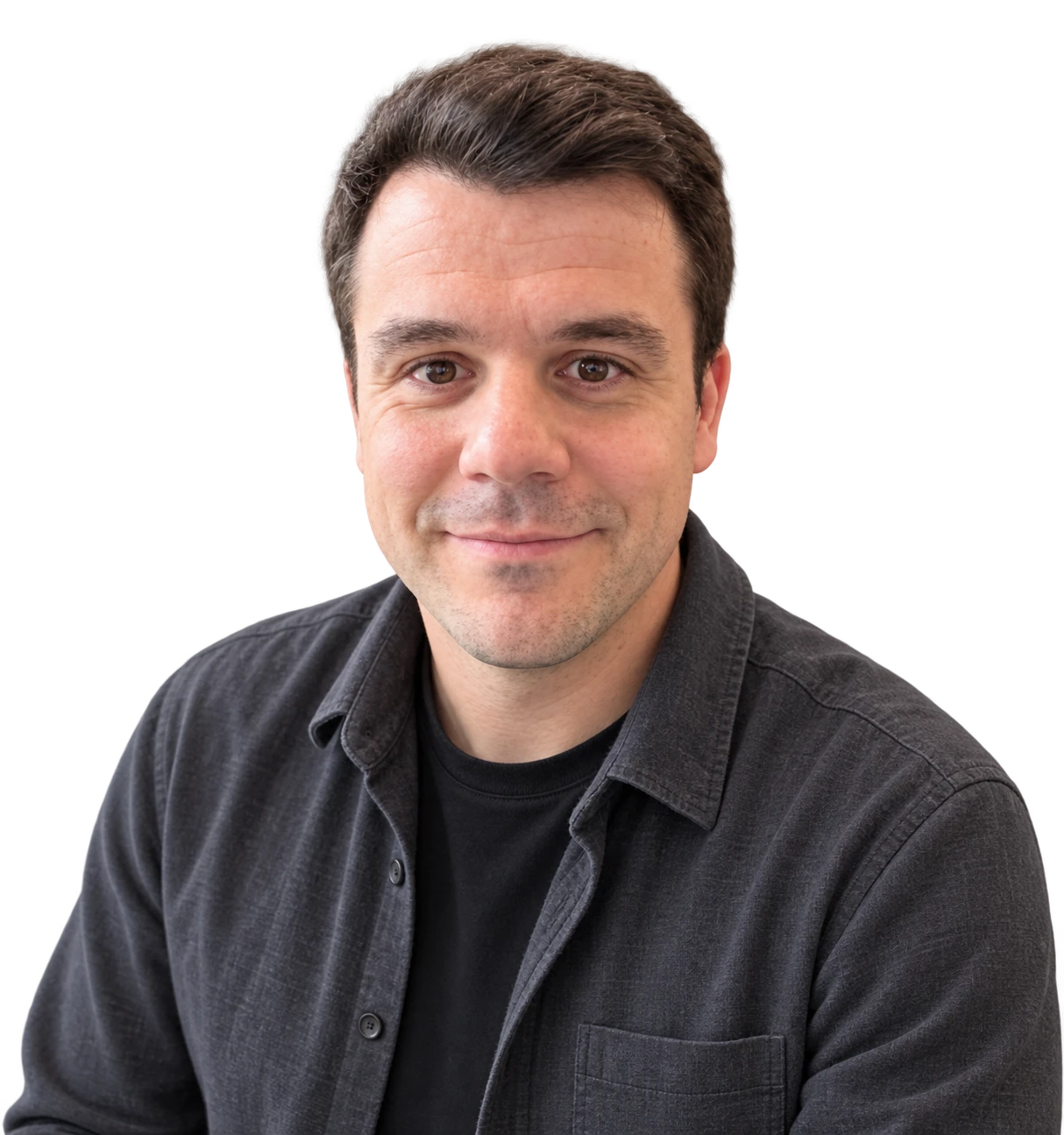
Dental CAD/CAM SpecialistBench-trained technician · 15 years in digital dentistryJupiter, Florida
Full-arch and All-on-X, photogrammetry, full-mouth wax-ups and complex multi-unit work, in exocad and 3Shape. One technician on every case, from the first record to the final file. Price and turnaround are quoted per case, in writing, when you confirm it.
I send every case back for your approval before I finalise it. If what you need is not listed, ask.
Implant-supported full-arch design, planned from the records supplied and built around the implant positions.
Single units and multi-unit restorations, designed to the material and the manufacturing method chosen for the case.
Implant-supported work where the emergence profile and the screw access decide whether the result fits.
The rest of the digital work that a lab needs alongside the restorations.
01
Scan plus whatever else the case depends on: antagonist, bite, photographs, implant positions. Send records as you have them; identifiers stay in the HIPAA-covered case channel.
02
You get preview renders before I finalise anything. Mark up the occlusion, contacts, contour and screw access, and I adjust the design until you are happy with it.
03
A production-ready STL and the native project file, so your own mill or printer takes it from there. Nothing is routed anywhere you have not sent it.
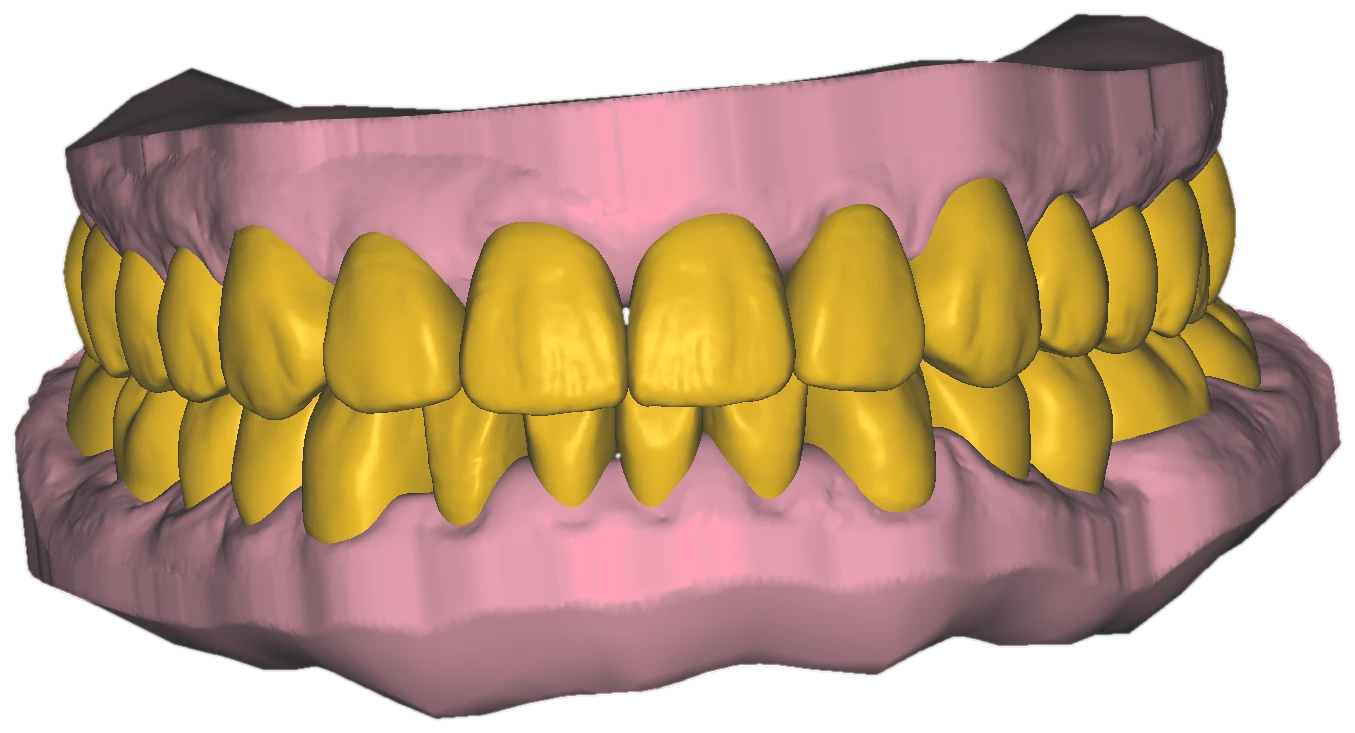
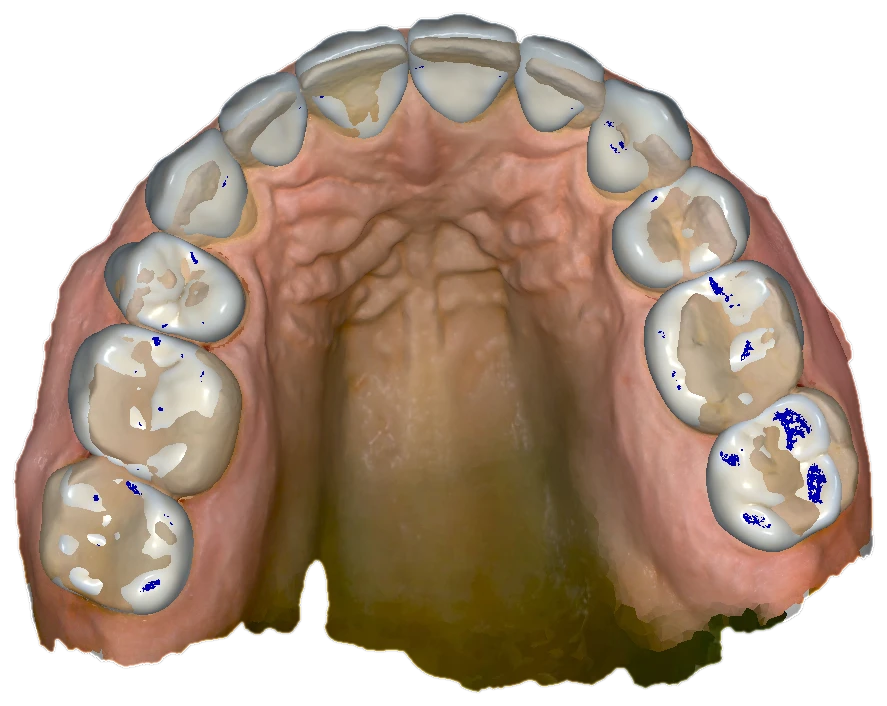
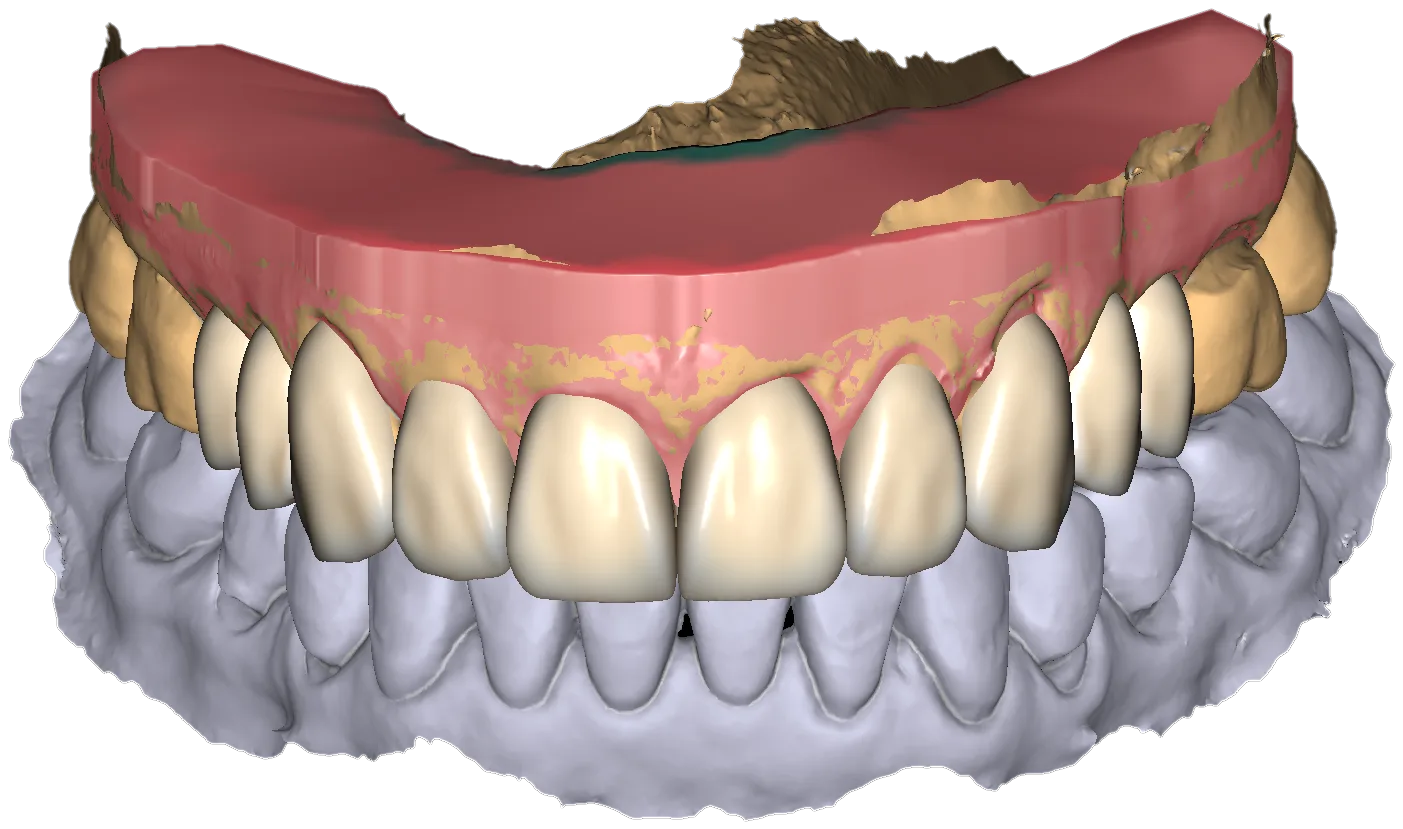
Three views from recent design work. Every image published here is de-identified and rendered straight from the design files.
I'm David Kamarauli. I worked at the bench as a dental technician before I moved to CAD/CAM, so I learned the tooth first and the software on top of it. Fifteen years in digital dentistry since, including teaching Millbox, SUM3D and exocad to technicians and doctors. The last five years have been almost entirely All-on-X, photogrammetry, full-mouth wax-ups and complex cases.
In practice that means fewer round trips. Because I know how the case will be machined, I flag a doubtful bite or an implant position that will not carry the design before I finalise it, rather than after it has been cut.
If you want the longer version, or need your team trained on Millbox, SUM3D or exocad alongside the design work, it is on the about page.
Send the records and I'll take it from there. If you would rather talk a case through before sending anything, message me first; that is usually the faster route on a difficult one.